perfecting the wait
agents are getting better, but also taking longer. here's what to do about it.
codifying taste
the way i've been designing is changing. using the almighty claude code, you can spam out a bunch of high-quality directions in the time it used to take to do one. though design hasn't had its “2026 agentic coding” moment yet, some of the recent tooling that has come out is quite powerful, namely paper design, claude design, variant ui, etc.
“taste is the new moat,” as they say. but what is taste?
i wanted to take a stab at codifying that before proceeding. here's my working definition, roughly in order of how it plays out while building something. taste is:
- references. looking at a lot of stuff, on purpose. liking some, forgetting others.
- recognition, aka vibes. knowing when the vibes are off. clocking that something's good or bad before you can explain why.
- care. caring about the difference between "looks fine" and "feels right".
- deletion. honestly the hardest one. knowing when and what to cut.
- opinionation. picking a direction and standing behind it instead of hedging across three.
none of these are wild takes. but if we can codify it, maybe we can teach it to an agent?
practical application
i want to take you through building a loader component, one i was designing for an agentic chat product. it's a small thing, but it turned into a pretty clean case study for everything i just said.
the problem
agents are the new buzz. everything is an agentic app. this is cool, but we face new problems that just don't exist in normal chat where the answer starts streaming instantly.
the main one → time. the agent thinks. it calls tools. sometimes a few at once, some in parallel. and the whole time you're just sitting there waiting, wondering if anything is even happening.
so the goals for this project kind of wrote themselves:
- make it look like the agent is actually doing work, because the responses genuinely take time to come back (i once hit 54 mins on claude code btw).
- handle multiple tool calls, even ones running in parallel.
- show enough info that it feels transparent to the user if they're paying attention.
- but not so much that it gets overwhelming and noisy.
- and the one everyone skips → make it fun. give it a lil hit of dopamine.
the thesis
a loader doesn't make anything faster. all it does is change how the wait feels. but the user never sees your backend. they only ever experience the wait. so that's the thing actually worth thinking about.
the seed
so the first idea → a particle loader. three dots. reads instantly, can do more when it needs to. we were already using lucide icons across our designs, so i wanted whatever happened next to resolve into lucide too. this was my initial idea, the one i first put into figma.
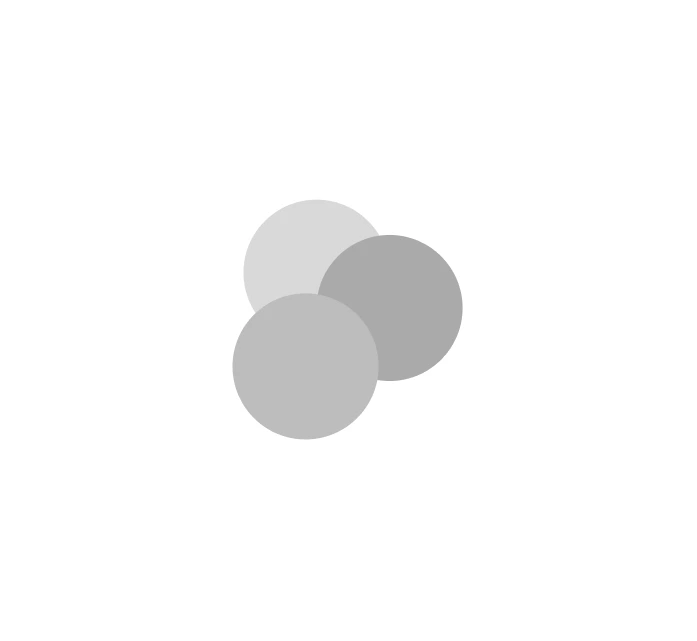
as soon as i landed on the idea, i started seeing it everywhere. i'm not saying i'm unique, this is just how i got there. gemini ships some kind of dot loader. robinhood has a sick spinning one. paper has a really clean dot loader. conductor's dot loader is great. claude's spinner is also doing something nice. i was using google voice for my project friday (will write more about this later), but the confirmation screen on there was super cool too. i either have videos or grabs of most of these.
three states
i didn't want one loader, i wanted one that could grow. so i split the idea into three states:
- simple. just three dots in different colors spinning in a circle. the default "i'm alive" state.
- complex. when it's doing something specific, like reasoning or a particular tool call, the dots weigh slightly and a line connects them, kind of like an elemental particle. it reads as "something specific is happening" without spelling it out yet.
- combine + split. the three dots merge into one big dot, then split out into a lucide icon. this is the moment the loader tells you what it's doing by becoming the icon beside the text in the tool call ui. this was the one i was most excited about.
the default “i’m alive” state. three dots, spinning.
the build flow
the actual path from idea to shipped looked like this:
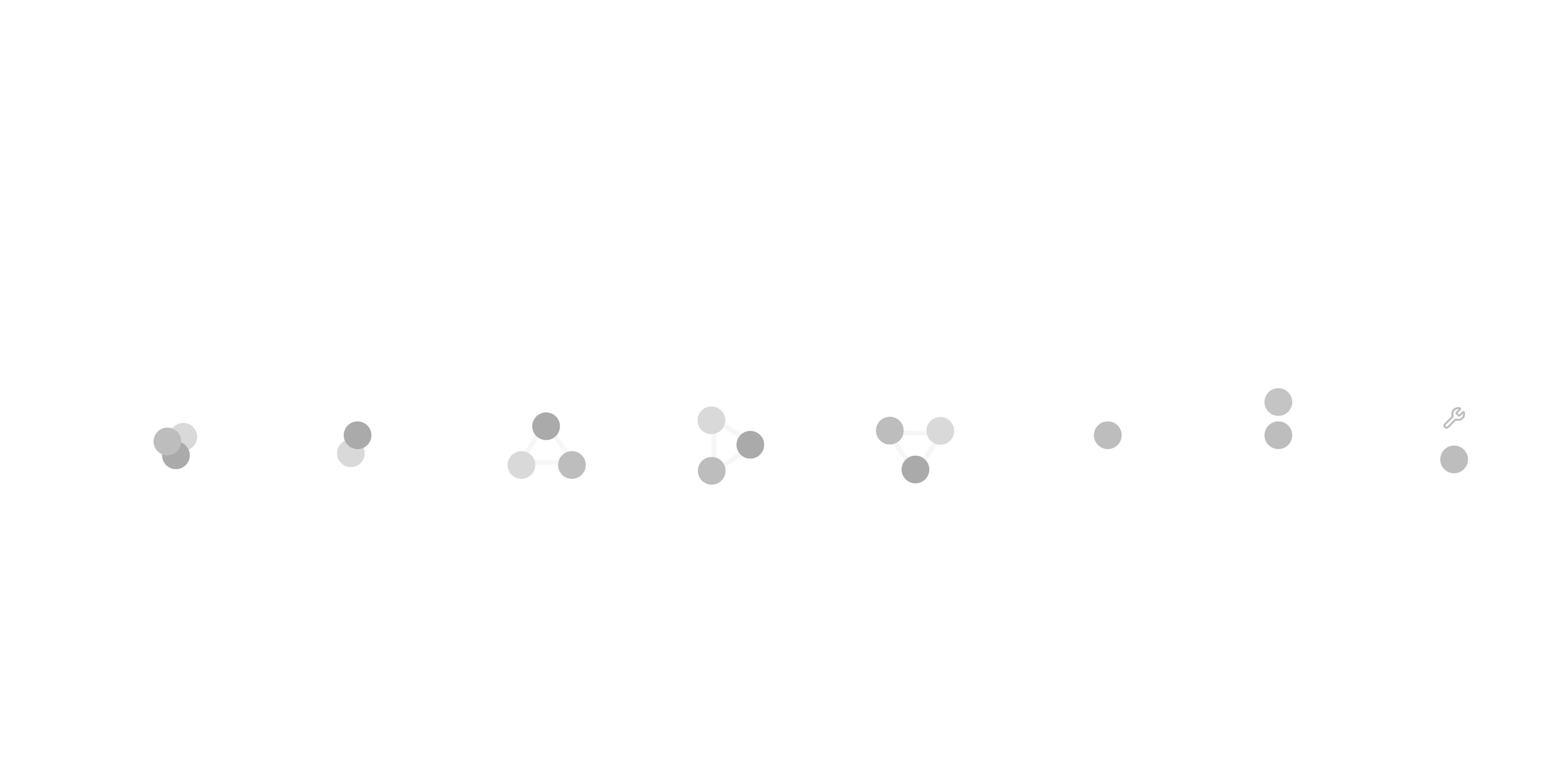
shape
particles
default
complex
combine
transition
pick a transition, drag the sliders, break it.
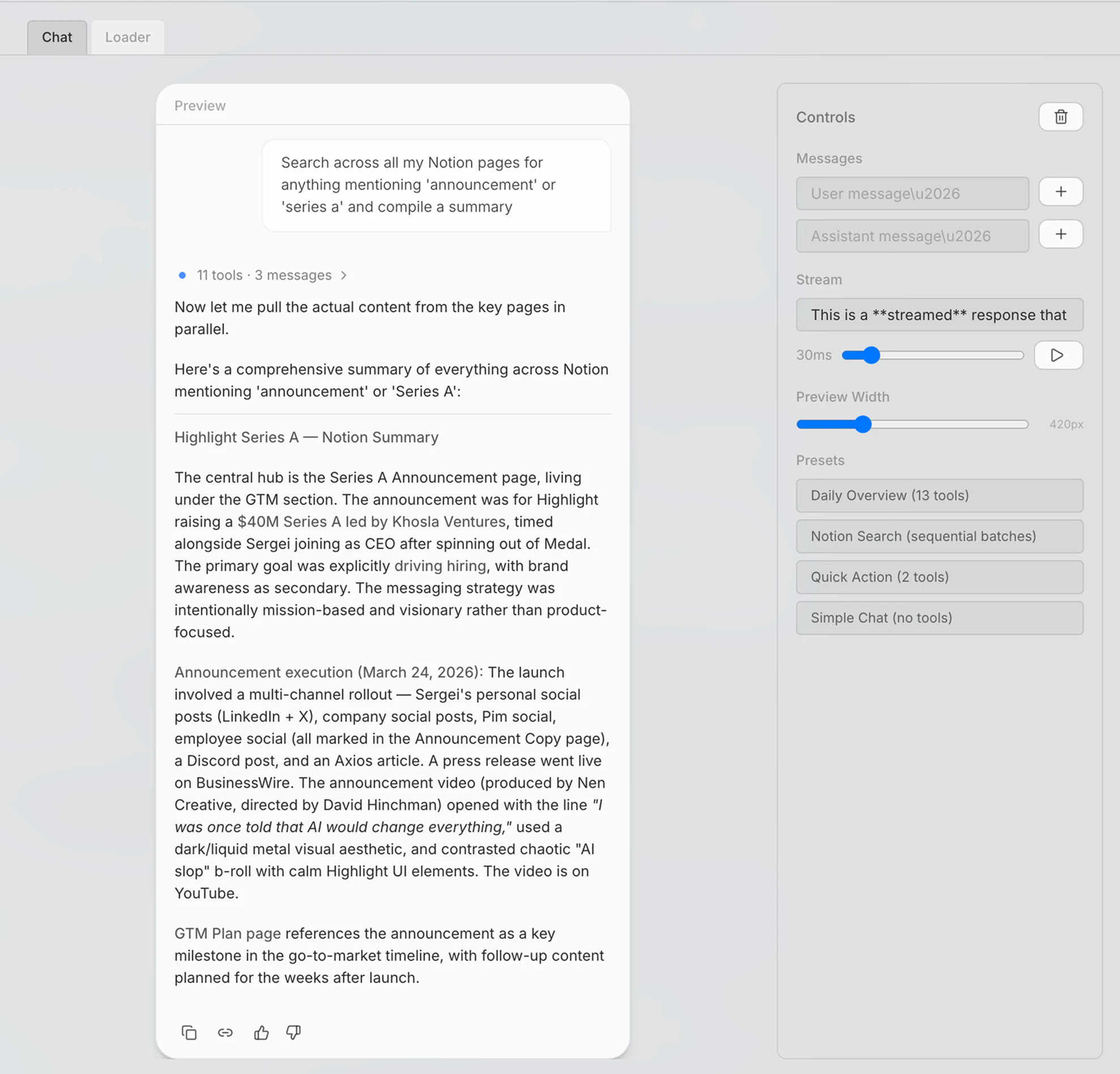
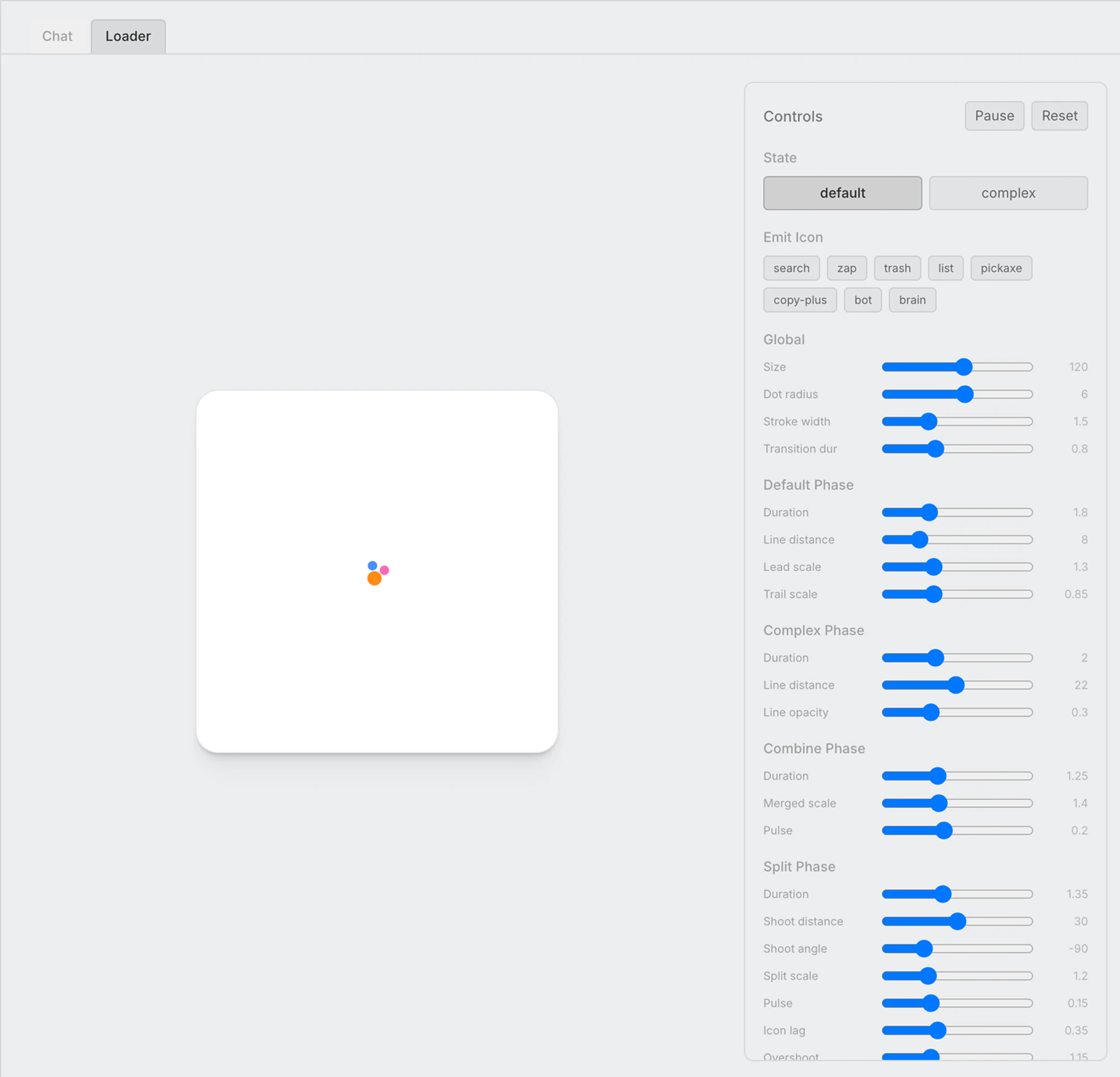
the summary
the payoff for a long wait is knowing what it did. the loader and the tool call eventually collapse into the same object, and when a run finishes it resolves into a summary of how many tools we used, how many reasoning steps, and how many sub-messages (sub-agents, etc).
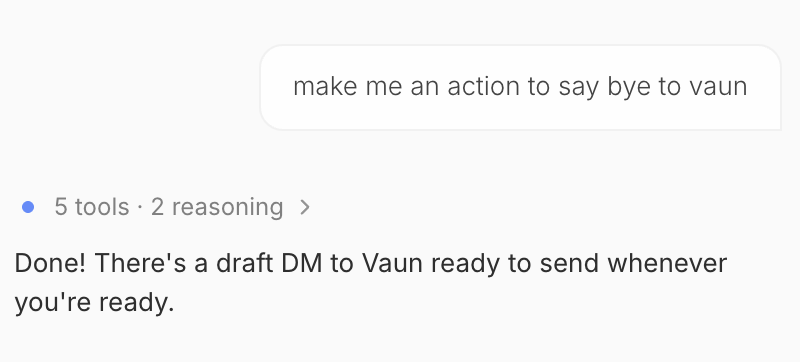
i picked this up from conductor, which did a really good job early on of explaining what the agents were doing in the background. claude code does a lot of this work too, it just doesn't always tell you. conductor told you, and that transparency is the thing i wanted to keep.
the dopamine
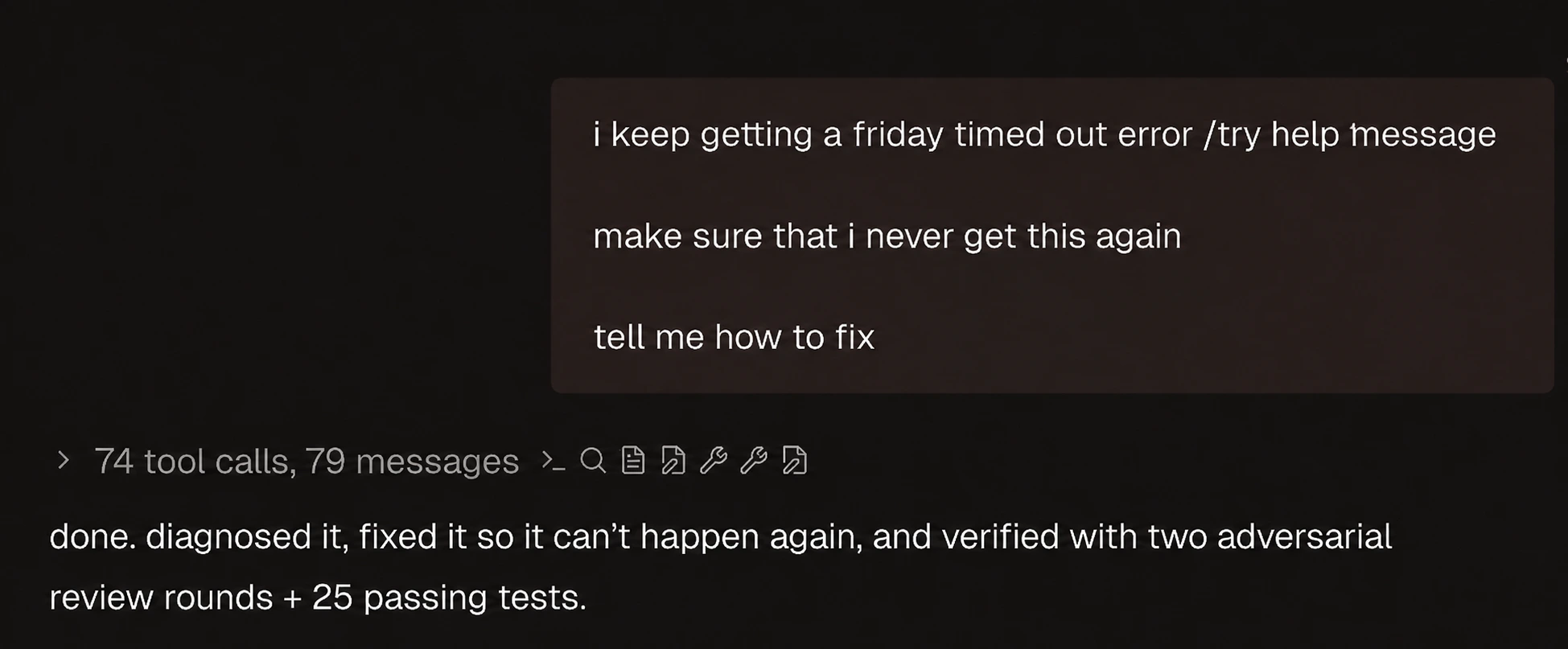
and then the one everyone skips. a little hit of delight. you don't need much, just enough character that the thing feels alive instead of mechanical, a little breathing room. the way i actually got there ended up being dead simple, but i'll get to that in the post-mortem.
the cut (a post-mortem)
what shipped is simple. a three-dot spinner where one dot grows slightly on each rotation, and in steady state it collapses to a single blue dot. no line, no merge, no icon morph.
remember those three states? i kept exactly one. the complex state with the connecting line → gone. the combine/split, the one i was most excited about → gone. all that survived is the simple state, trimmed even further down to that one dot growing slightly on each rotation. the breathing from earlier → that's it, that's the whole dopamine hit. (the run summary stuck around too, that one earned its keep.)
and it's better. the elaborate version was fun to build and made for a great playground, but in the product it was doing too much, drawing attention to the wait instead of quietly covering it. at the small scale within the product, a lot of the detail was lost and not important anymore.
back to taste
funny thing is, looking back, this whole loader was just the five traits from earlier playing out in order:
- references → all the loaders i stared at before starting. conductor, robinhood, gemini, paper, claude, the google voice screen.
- vibes → clocking that at the small scale in-product it was doing too much, before i could even explain why.
- care → sweating a single dot breathing.
- deletion → killing the complex and combine/split states, the ones i was most excited about.
- opinionation → picking the boring three-dot spinner and standing behind it.
next time around, i'm going to attempt to shove down taste as a concept to my agents. will keep you posted on the results.
credits
big thanks to my friend vaun, who helped me a ton on this. please check him out, he's amazing. quite proud of where this landed so far.