dumbing it down for the human
the best agentic interfaces will understand how much i actually need to see.
one of the biggest problems i've noticed with agentic apps is that they give me too much to keep track of.
since i started using claude code, i've found myself managing more and more threads at once. the obvious response is to give agents more autonomy. but these systems still aren't reliable enough for me to completely let go.
this creates a strange tension. i want agents to do more for me, but i don't want to spend all day managing the agents doing it.
so what's the balance?
i don't have a complete answer yet. but i think good agentic interfaces will need to do three things.
- 1reduce what they show.
- 2protect the user's attention.
- 3build systems they can trust.
cut down stuff unless absolutely necessary
one of the beautiful things about ai is that we can now build almost anything we want. genuinely, the only thing stopping us might be the idea itself.
this is also a problem.
being able to build anything creates an even greater need to decide what not to build. this is especially true for agentic interfaces, where a single agent might be capable of doing dozens of different things.
the framework i keep coming back to is simple.
- what is the purpose of this screen?
if something does not support the main purpose, it should probably be hidden or removed.
whitespace is important. it gives the stuff that actually matters room to breathe.
protect the user's attention
in a world where agents are doing more of my work, i still need to verify decisions and attend to certain things. the hard part is figuring out what i actually need to see and when i need to see it.
agents are getting more capable, but they also take longer to finish meaningful work. i wrote about the design implications of that delay in perfecting the wait.
the obvious path to greater productivity is to run multiple agents in parallel. but that creates a new problem. someone still has to keep track of all of them.
i love using conductor, and i regularly have several agents working on different things at once.
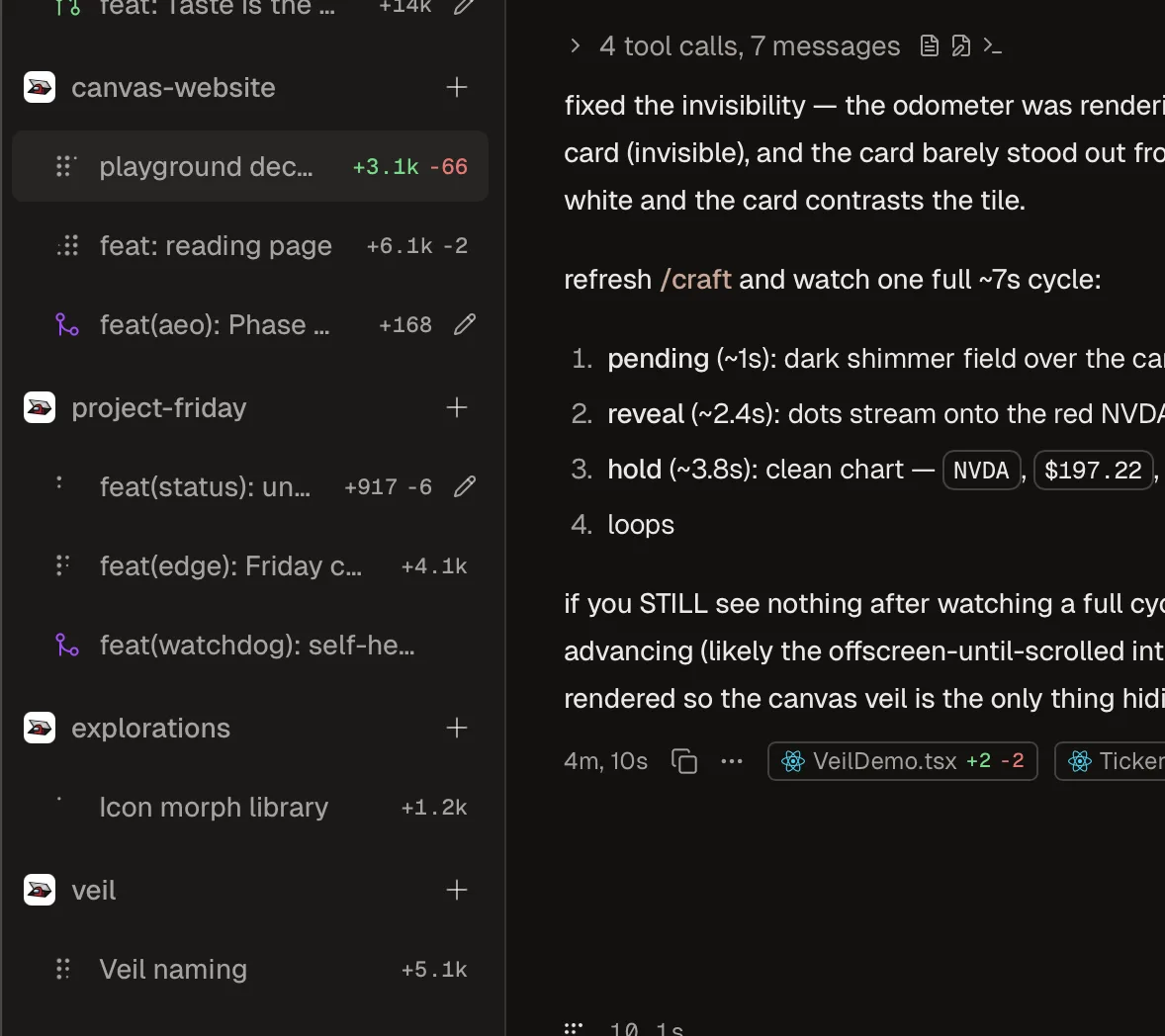
with six agents and six responses, there is quite a bit to keep on top of. in this case, the actual bottleneck is me.
this seems to be where the market is heading. more agents will run in more places with more autonomy. you can see it in products like notion 3.0 and the growing number of dedicated agent interfaces.
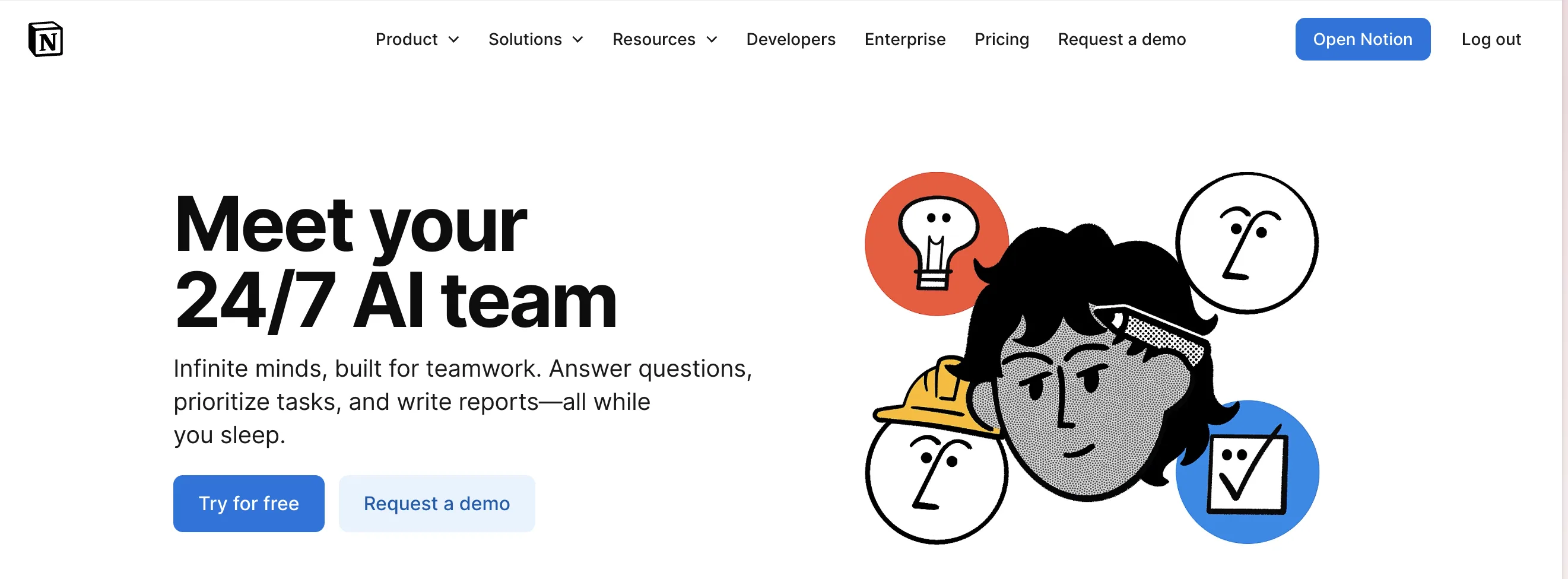
but surely more agents also means more things asking for our attention.
conductor shows an indicator when an agent finishes working. this felt neat when i was running one or two agents. since i started running more, it has become pretty overwhelming.

the problem becomes more obvious when agents are working in the background while i'm trying to design, write, or reply to slack. slack already has an attention tax. soon, we will have an agent notification tax.
dia does something similar. it shows a notification dot and plays a sound when a task finishes. this works for one thread. across several concurrent threads, every useful notification becomes another interruption.
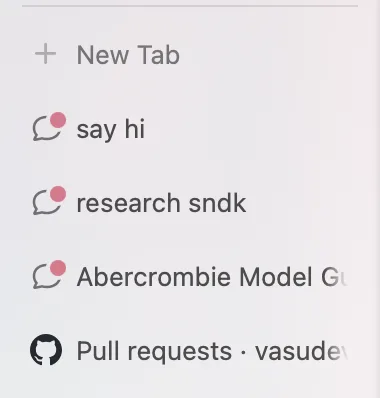
today's agents are still mostly reactive, but we are already moving toward proactive agents that act without being asked. without careful design, we could end up being interrupted by different agents all day.
that sounds like its own kind of hell.
people already have very little attention to spare. bombarding them with text, diffs, pull requests, charts, and status updates leaves them more overwhelmed than before. even if the agents are doing the work, i still end up doing the work of keeping up with them.
the interface should know what deserves my attention now, what can wait, and what i never need to see.
build systems the user can trust
protecting attention requires trust.
an agent can only disappear into the background if i trust it to make reasonable decisions without me. but trust does not mean hiding everything. it means giving the agent enough autonomy to work while making its actions traceable when something goes wrong.
the ideal system should feel quiet most of the time. it should still provide clear ways to inspect what happened, understand why a decision was made, and intervene when necessary.
this could mean sandboxes, limited permissions, reversible actions, and a history of what the agent did.
we can already see different versions of this idea. ramp and robinhood are giving agents their own cards, which creates a clearer boundary around what they can spend. perplexity computer takes another approach by giving the agent its own contained computer to work inside.

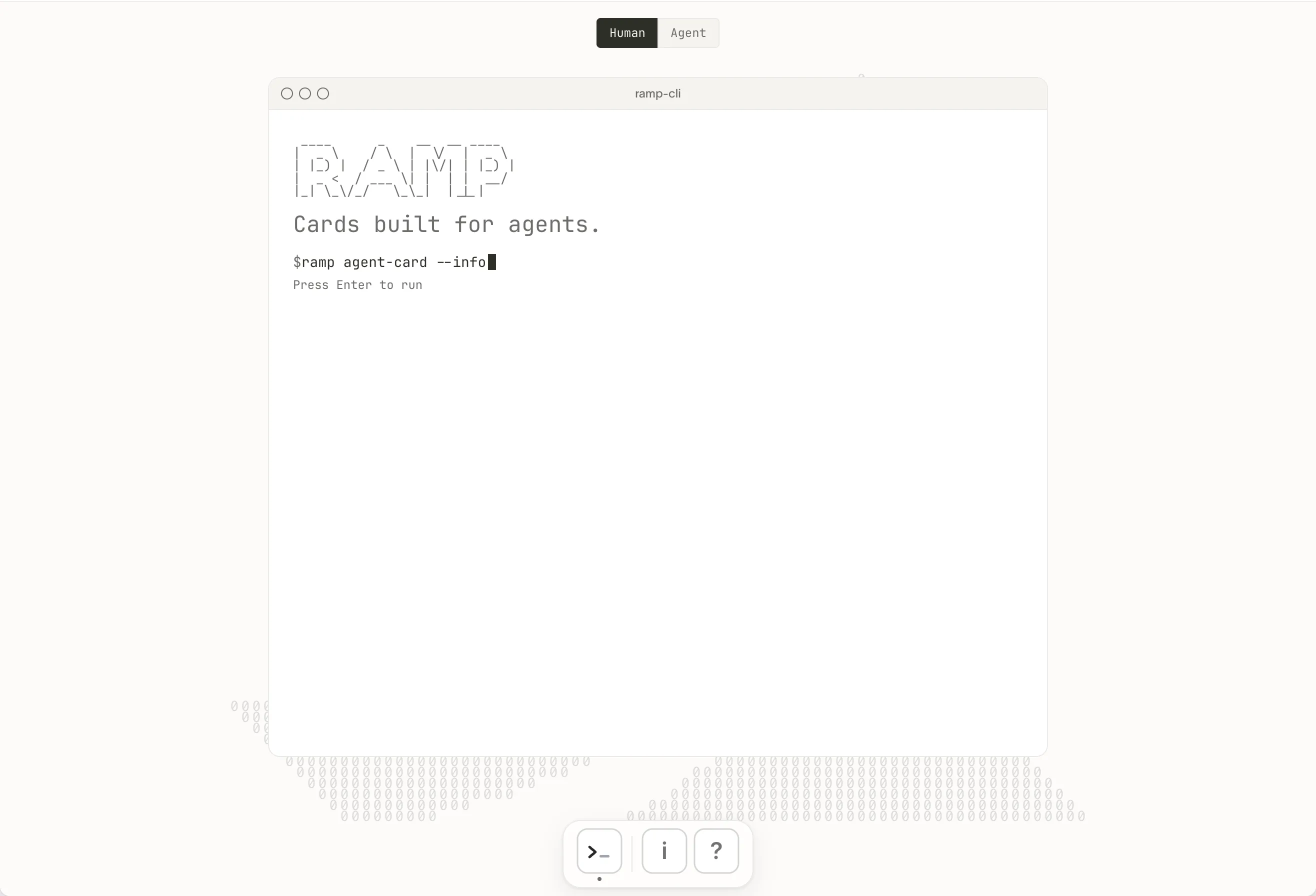

agents getting their own boundaries.
ps → this is roughly what i'm building with project friday. more on that later.
i want to keep control, but i only want to dig deeper when i really need to.
what this could look like
this is still a nascent issue. i don't think anyone has the complete answer yet. but these are a few of my current guesses.